
UPS Shipping Software Selector
Find Your Perfect UPS Shipping Solution
Answer a few quick questions to discover which UPS shipping software is best for your business.
If you ship packages regularly, you’ve probably wondered: What is the UPS shipping software called? It’s not a mystery-it’s UPS WorldShip. But that’s just the start. Many people think UPS only offers one tool, but the reality is more layered. Whether you’re a small business shipping 10 packages a week or a warehouse handling 1,000, UPS has software built for your scale. And knowing which one you actually need can save you hours, reduce errors, and cut costs.
UPS WorldShip: The Main Shipping Software
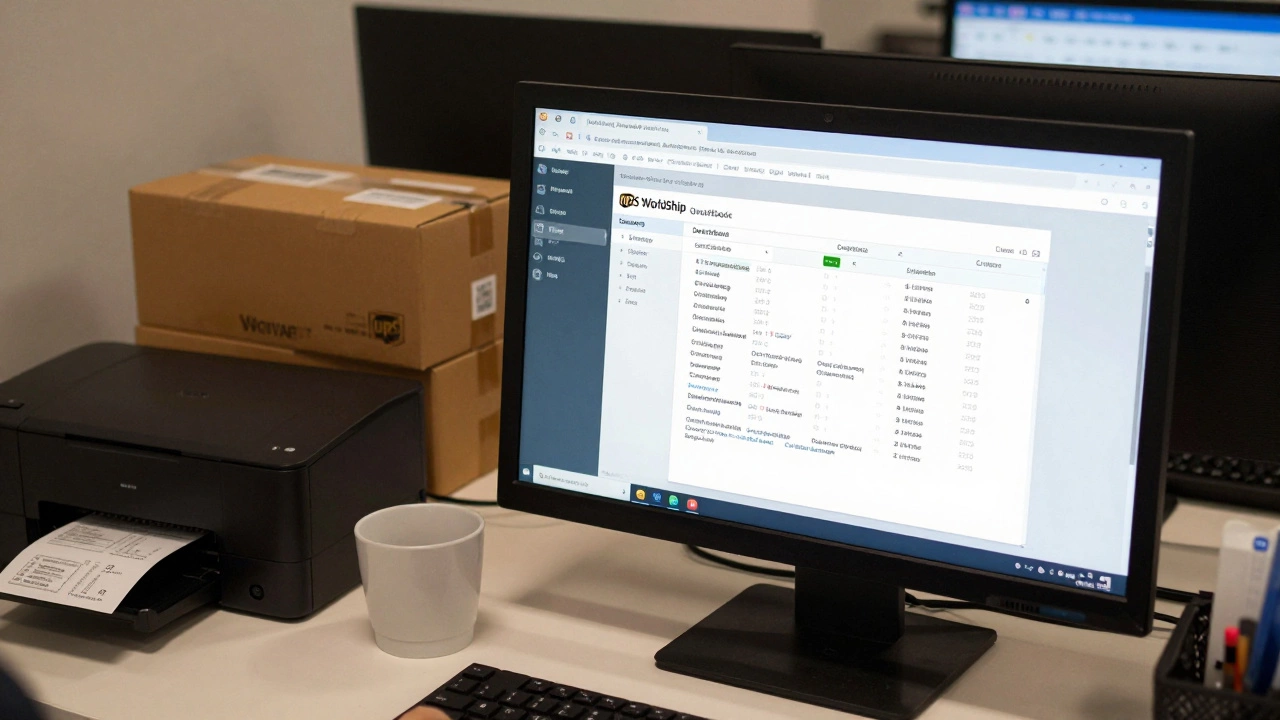
UPS WorldShip is the flagship desktop shipping software from UPS. It’s been around since the late 1990s and still powers over 600,000 businesses globally. It runs on Windows and connects directly to UPS’s shipping network. You don’t need to log into a website-just open the program, enter your package details, print labels, and schedule pickups. It’s simple, fast, and integrates with your existing systems like QuickBooks, SAP, or Microsoft Excel.
Here’s what WorldShip actually does:
- Creates and prints UPS shipping labels with barcodes
- Calculates real-time shipping rates based on weight, size, and destination
- Prints customs forms for international shipments
- Schedules UPS driver pickups automatically
- Tracks shipments in real time with batch tracking
- Stores customer and address data for reuse
Businesses that use WorldShip typically save 20-30% on shipping costs compared to paying at the counter. Why? Because WorldShip gives you negotiated commercial rates-ones you can’t get walking into a UPS Store. You also avoid manual data entry errors, which means fewer misrouted packages and customer complaints.
What About UPS CampusShip?
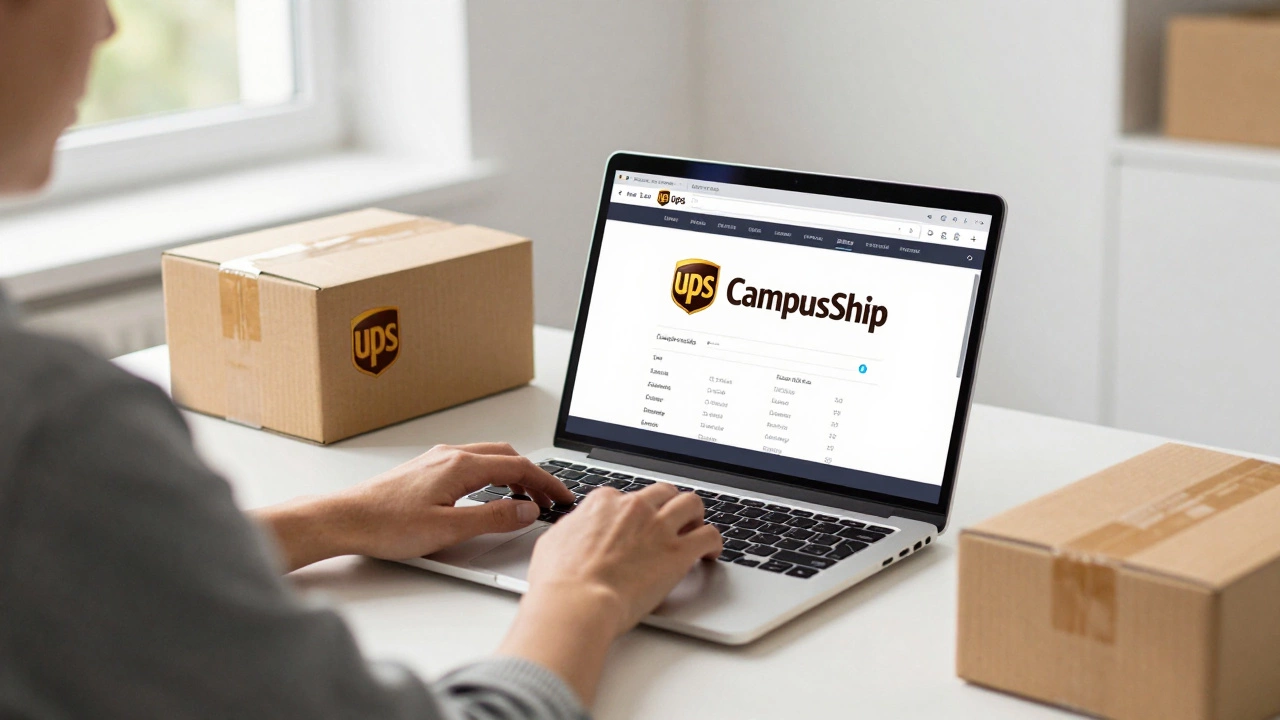
If you’re not running a warehouse or a high-volume operation, you might be using something else: UPS CampusShip. This is a web-based tool designed for small offices, schools, or departments that ship occasionally. It’s not installed-it runs in your browser. You log in at campusship.ups.com, enter your details, and print labels. It’s perfect if you don’t want to install software or if you only ship 1-5 packages a week.
CampusShip is simpler than WorldShip. It doesn’t connect to accounting software or handle batch processing. But it’s free, easy to set up, and works on any computer with internet. You don’t need IT support. Many universities and small nonprofits use CampusShip because it requires zero maintenance.
UPS Shipping API: For Developers and E-commerce Platforms
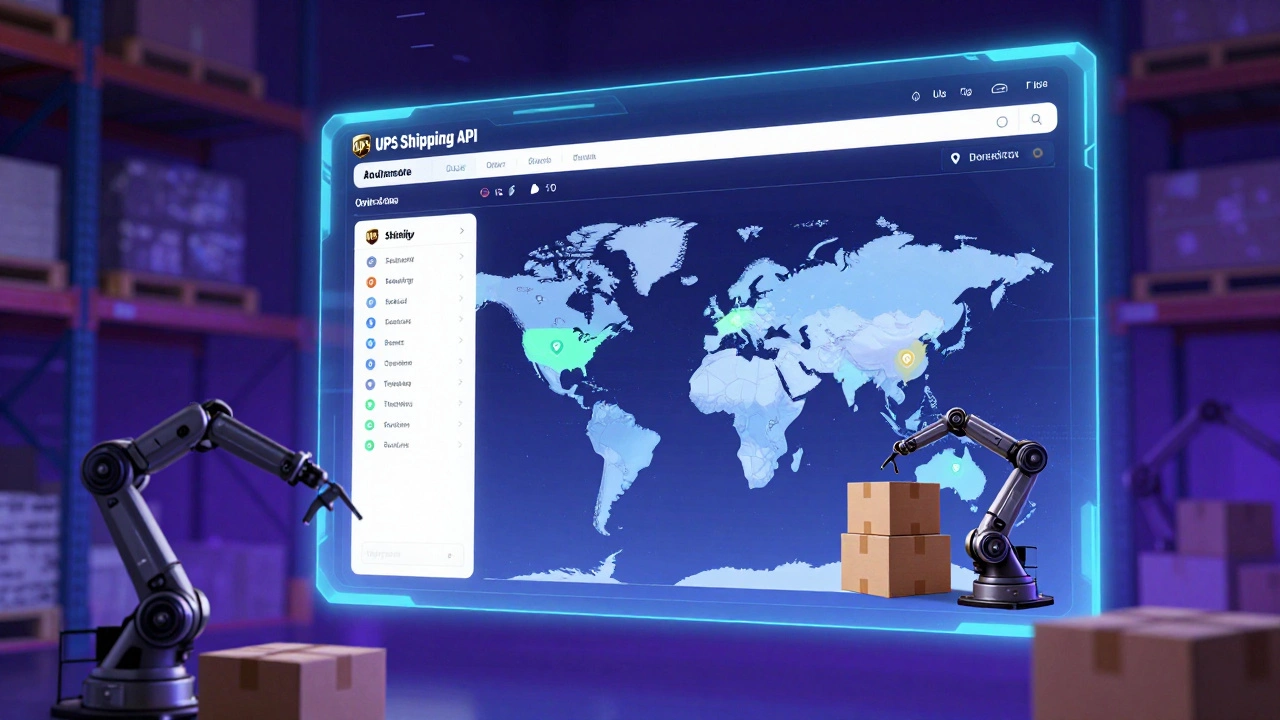
If you run an online store on Shopify, WooCommerce, or Magento, you’re probably not using WorldShip or CampusShip at all. You’re using something deeper: the UPS Shipping API. This isn’t a program you click on-it’s a set of digital tools that let your website talk directly to UPS.
Here’s how it works:
- Customer checks out on your site
- Your platform asks UPS: “How much will it cost to ship this to 90210?”
- UPS replies with live rates, delivery times, and options
- You show the customer those options
- Once they pick one, your system auto-generates the label and sends tracking info
This is how Amazon, Etsy sellers, and big brands like Nike ship automatically. The API connects your order management system to UPS’s network. You don’t touch a label-you just press “Ship” in your dashboard. The API supports all UPS services: Ground, Express, Next Day Air, and even international customs forms.
Setting up the API takes technical skill. You need a developer or a third-party app like Shippo, Easyship, or Pirate Ship to handle the integration. But once it’s running, you can ship hundreds of orders a day without logging into any UPS system.
UPS My Choice for Business: The Customer Experience Tool
There’s another tool you might hear about: UPS My Choice for Business. This isn’t for you as the shipper-it’s for your customers. It lets them track packages, reschedule deliveries, and choose where their package gets left. You don’t install it. You just enable it for your customers by selecting the option in WorldShip or the API.
When you enable My Choice, your customers get text or email updates. They can redirect a package to a neighbor, hold it at a UPS Access Point, or schedule a specific delivery window. This reduces failed delivery attempts-which means fewer returns, lower costs, and happier customers.
Businesses that use My Choice for Business report a 25% drop in delivery failures. That’s not just convenience-it’s real savings.
How to Choose the Right UPS Software
So which one should you use? It depends on how you ship.
| Use Case | Best Tool | Setup Time | Cost |
|---|---|---|---|
| Shipping 1-5 packages/week from an office | UPS CampusShip | Under 10 minutes | Free |
| Shipping 10-100 packages/week with address lists | UPS WorldShip | 1-2 hours | Free software, discounted rates |
| Running an online store with 50+ orders/day | UPS Shipping API + Integration | 1-4 weeks | API access free; integration costs vary |
| Want customers to control delivery | UPS My Choice for Business | Enable in WorldShip or API | Free |
If you’re just starting out, try CampusShip. If you’re growing and need automation, upgrade to WorldShip. If you’re scaling an e-commerce brand, the API is your only real option.
Common Mistakes People Make
Many businesses use the wrong tool-and pay for it.
- Using CampusShip for 50+ shipments a week? You’re wasting time clicking through the same forms over and over.
- Trying to use WorldShip on a Mac? It only runs on Windows. You’ll need a virtual machine or switch to the API.
- Assuming the UPS website is enough? The public site doesn’t give you commercial rates. You’ll pay 20-40% more.
- Not enabling My Choice? You’re leaving money on the table. Every failed delivery costs you time and money.
Another big mistake: not setting up your UPS account correctly. You need a UPS account number to use any of these tools. If you’re shipping with a third-party account (like a freight forwarder), you won’t get the discounts. Always use your own UPS account.
How to Get Started
Here’s how to pick your tool and get going:
- Sign up for a free UPS account at ups.com
- Get your UPS account number (you’ll need it for everything)
- For small volume: Go to campusship.ups.com and log in
- For medium volume: Download UPS WorldShip from ups.com/worldship
- For e-commerce: Choose a shipping app that supports UPS API (like Shippo or Easyship)
- Enable My Choice for Business in your chosen tool
You don’t need to buy anything. UPS gives you the software for free-you just pay for the shipping. The savings come from better rates, fewer mistakes, and faster processing.
What’s Next for UPS Shipping Software?
UPS is moving toward cloud-based tools. WorldShip is still Windows-only, but UPS is testing a new web version called UPS Shipping Center. It’s not fully rolled out yet, but it’s coming. The goal? Replace WorldShip with a browser-based tool that works on any device.
For now, stick with what works. But if you’re planning long-term, consider building your shipping around the API. It’s the future-whether you’re shipping from your kitchen table or a 100,000-square-foot warehouse.
Is UPS WorldShip free to use?
Yes, UPS WorldShip is free to download and use. You don’t pay for the software itself. But you do pay for the shipping labels you print. The software gives you access to discounted commercial rates, which are lower than retail prices at UPS stores. You need a valid UPS account number to activate it.
Can I use UPS WorldShip on a Mac?
No, UPS WorldShip only runs on Windows operating systems. Mac users can use the UPS website, the UPS Shipping API through third-party apps, or run Windows via virtualization software like Parallels or Boot Camp. For Mac users, the API route is the most scalable long-term solution.
What’s the difference between UPS WorldShip and UPS CampusShip?
WorldShip is a desktop program for medium to high-volume shippers. It connects to accounting software, handles batch printing, and stores address books. CampusShip is a free web tool for low-volume users-perfect for offices that ship a few packages a week. CampusShip doesn’t integrate with other systems and has fewer features.
Do I need a UPS account to use any of their shipping software?
Yes. You must have a UPS account number to use WorldShip, CampusShip, or the API. You can sign up for a free account at ups.com. Without an account, you can’t get commercial rates or print labels through any official UPS software.
Can I use UPS shipping software without an internet connection?
WorldShip can work offline for basic tasks like printing labels you’ve already created. But you need internet to get real-time rates, schedule pickups, or download new address lists. CampusShip and the API require constant internet access. If you’re in a location with poor connectivity, consider printing labels in advance or using a mobile hotspot.